
Key takeaways
- Check the main brush and side brushes weekly for wound hair.
- Use the bundled cleaning tool or scissors to slice hair free.
- Wipe axle ends where hair silently accumulates.
A robot vacuum is supposed to clean for you, but it cannot do its job if it is choking on its own collected hair and dust. Regular maintenance is the difference between a robot that glides for years and one that loses suction, streaks your floors, and dies early, and the upkeep takes only minutes a week.
This guide covers a simple, effective maintenance routine for any robot vacuum, from a Shark AI Ultra to an eufy or Tikom model, so it keeps performing like new. Follow these steps and you will protect your investment while getting a genuinely cleaner home.
Our top picks
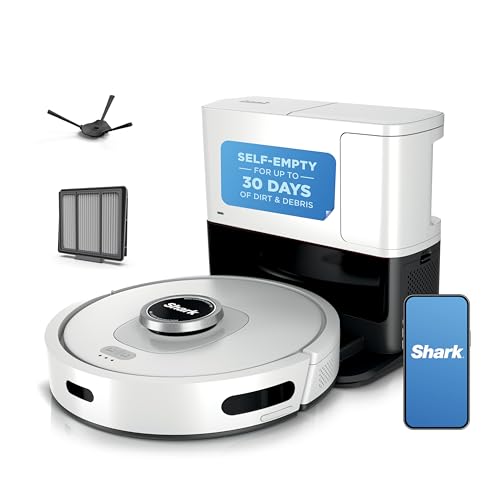


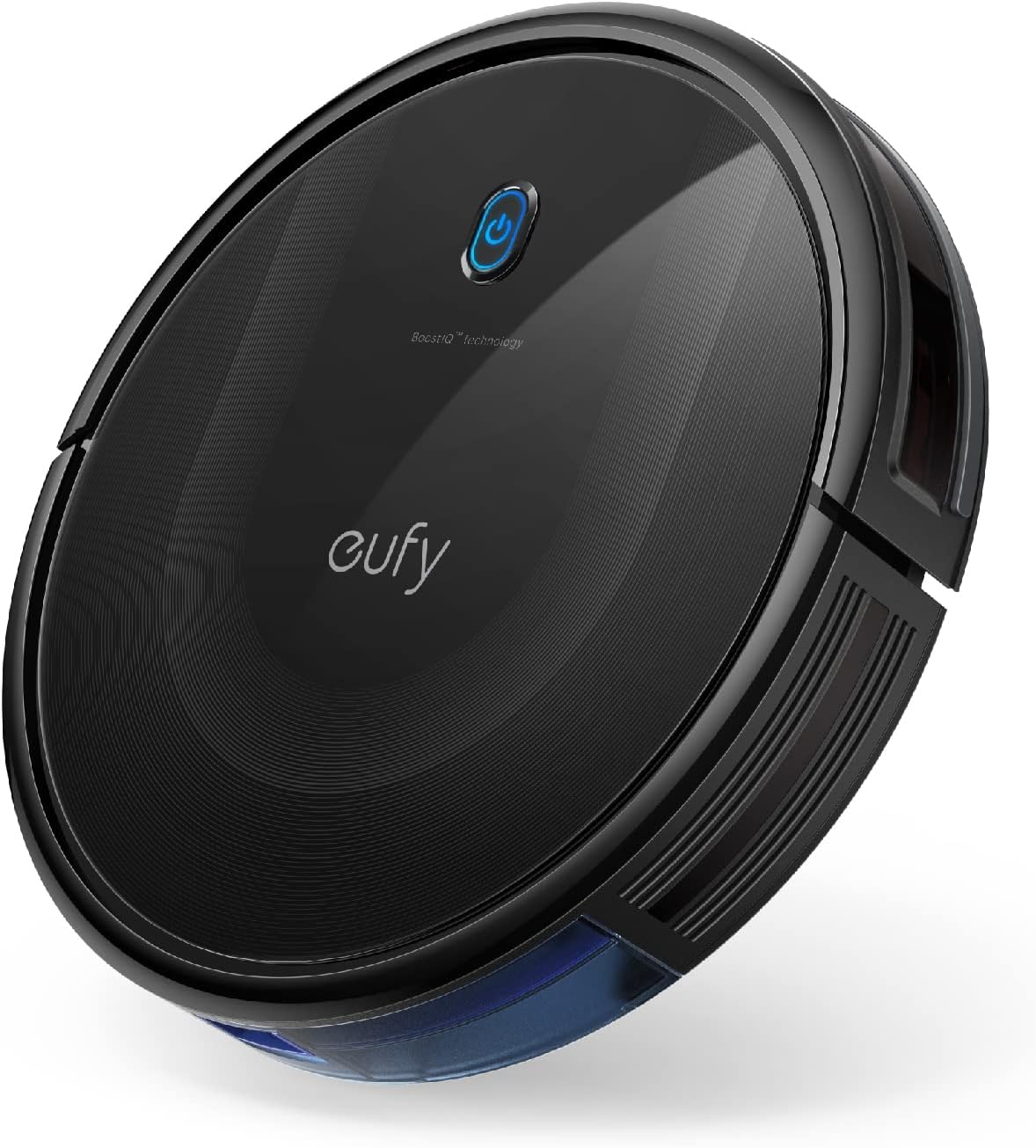 eufy 11S MAX Robot Vacuum Cleaner
- Surface Recommendation: Hard Floor & Tile & Medium carpet
- Controller Type: Remote Control
- Filter Type: washable
Slim 2.85-inch profile slides under low furniture
BoostIQ adjusts suction automatically within 1.5 seconds
Runs quietly at a noise level near a microwave
No WiFi or app control, only remote and buttons
Battery runs about 100 minutes on hardwood floors



As an Amazon Associate we earn from qualifying purchases at no extra cost to you.
⚡ Save on Your Next PC — Amazon Prime
Prime members get fast free shipping on the systems above, plus early access to Prime Day & Black Friday PC deals. New members get a 30-day free trial.
Watch: How to Clean and Maintain Your Robot Vacuum for Optimal Performance — Video Review
Empty and Clean the Dustbin Regularly
The most basic habit is emptying the dustbin often, ideally after every cleaning cycle for pet homes, since a packed bin kills suction. Tap out fine dust, rinse washable bins per the manual, and let them dry fully before reinserting. Models with self-emptying bases, like the Tikom with self-emptying station, buy you time, but you still empty the base bag roughly monthly.
Detangle and Wash the Brushes
Hair wraps around the main brush roll and side brushes, and left unchecked it strains the motor and drags on floors. Remove the brushes weekly and cut away wound hair with scissors or the included tool. Anti-tangle designs on units like some Tikom and eufy models reduce this chore, but no brush is fully immune, so inspect regularly.
- Check the main brush and side brushes weekly for wound hair.
- Use the bundled cleaning tool or scissors to slice hair free.
- Wipe axle ends where hair silently accumulates.
Maintain Filters and Sensors
Filters trap fine dust and lose effectiveness when clogged, so tap them out weekly and replace them on the maker’s schedule, typically every couple of months. Just as important, wipe the drop sensors and navigation sensors with a dry cloth; dusty sensors cause erratic movement, missed spots, and cliff-detection errors that strand the robot.
Care for Mopping Parts and Wheels
If your unit mops, like the eufy Omni C20 or a Tikom combo, rinse the mop pads after each use and refresh the water tank to avoid mildew and streaking. Also check the wheels and caster for trapped hair and debris, which can make the robot veer or get stuck. A quick wipe keeps it tracking straight.
Tips
- Empty the dustbin after every run in a pet household to preserve suction.
- Keep a small pair of scissors near the charging dock for quick brush detangling.
- Wipe sensors weekly with a dry microfiber cloth; never use liquid on optical sensors.
- Stock a spare filter and brush set so you can swap worn parts immediately.
Frequently Asked Questions
How often should I clean my robot vacuum?
Empty the dustbin after each run, detangle brushes and tap out the filter weekly, and wipe sensors weekly. Deeper checks of wheels, mop pads, and filter replacement follow the manufacturer’s monthly guidance.
Why is my robot vacuum losing suction?
The usual culprits are a full dustbin, a clogged filter, or hair wrapped around the brush. Emptying the bin, cleaning or replacing the filter, and detangling the brush restore suction in most cases.
Can I wash the filter and dustbin?
Many dustbins and some filters are washable, but check your manual first. Always let washed parts dry completely before reinserting them, since moisture can damage electronics and breed mildew.
How do I keep the sensors working?
Wipe the drop and navigation sensors weekly with a dry microfiber cloth. Dusty sensors cause erratic paths and false cliff warnings, so keeping them clean is key to reliable navigation.
Conclusion
Robot vacuum maintenance is quick but essential: empty the bin, detangle the brushes, clean the filter and sensors, and care for mop parts and wheels. Build these few-minute habits into your week and your robot, whether a Shark, eufy, or Tikom, will keep delivering strong suction and clean floors for years instead of fading in months.










Write Your Review
No reviews yet. Be the first to share your experience!